Xash Server
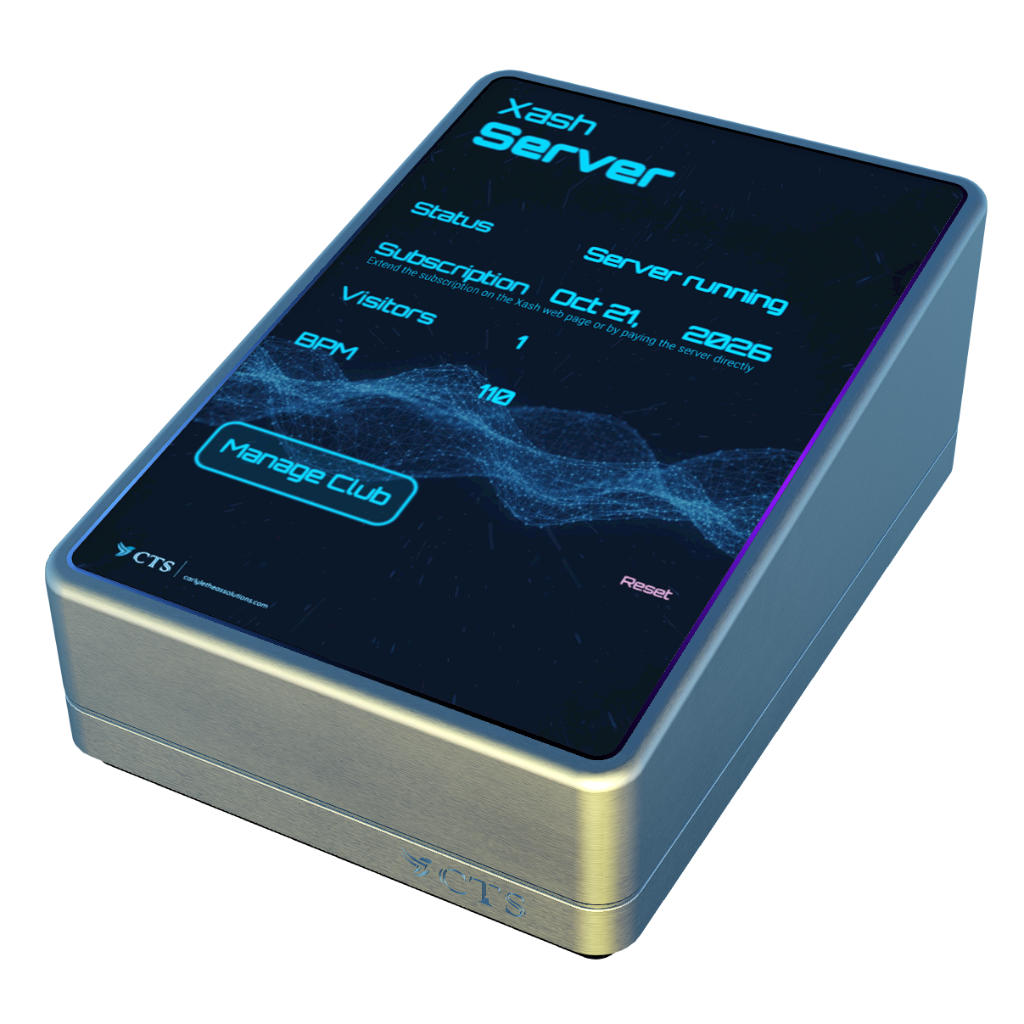
The Xash Server is the brain of the Xash system.
It gives you and your staff access to the Xash web page where you can configure the system and view statistics.
The Xash Server is responsible for setting the stream, communicating between Xash objects, tracking visitors, club security, etc.
The server will show the subscription time, the current number of visitors and the current BPM on the stream in your club (if you are using the BPM detection subscription).
Do not deed the server to the group. If you need the land group to perform land actions (setting the parcel stream, ejecting visitors, etc.), rez a Xash Stream Relay and deed it to the group.
It handles all the communication with the other Xash objects. Should you realize that the Xash system isn't working correctly (e.g., tip jars are not responding), try resetting the server by clicking the "Reset" button.
Xash Stream Relay
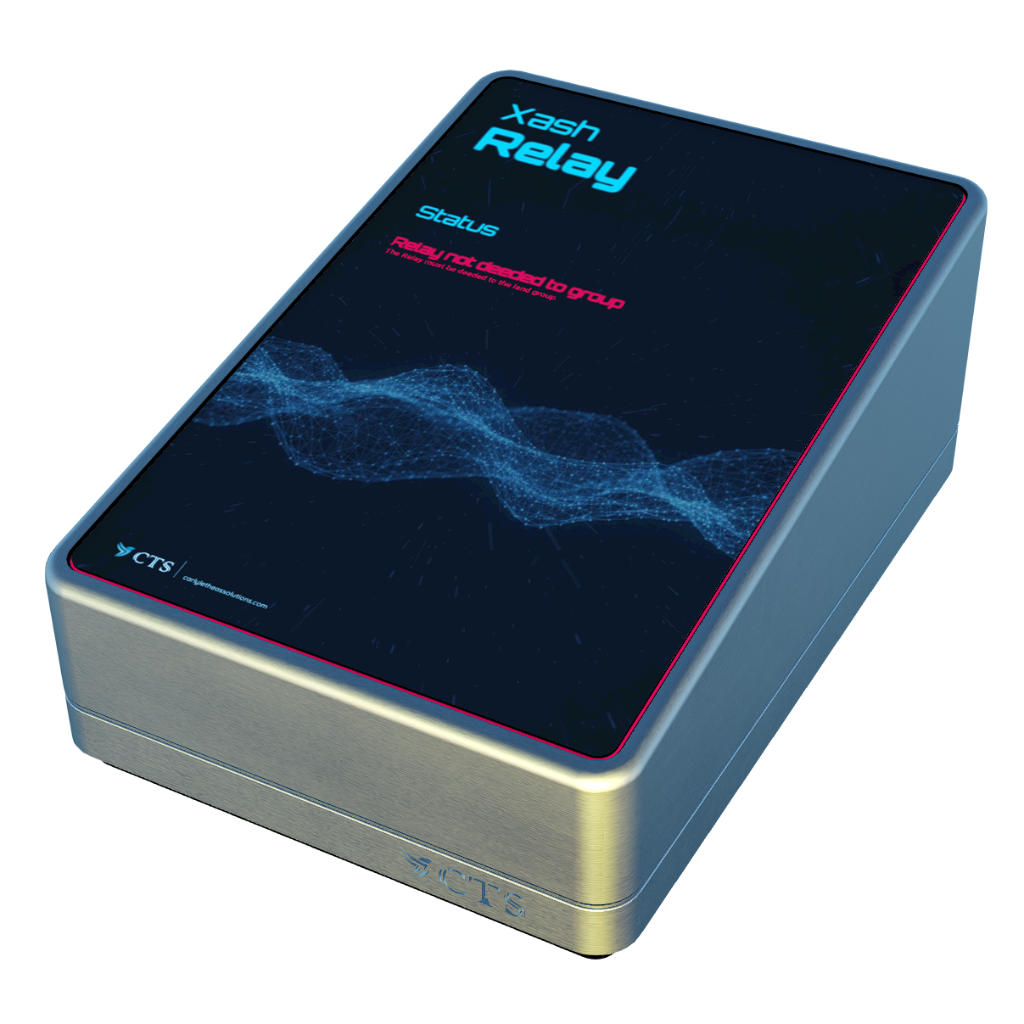
The Xash Stream Relay is used to control the parcel stream and for security-relevant functions.
Rez the Xash Stream Relay if
- the land group is required to set the stream URL on your parcel;
- you want to use Xash's security system and the land group is required to eject people / teleport people home / ban people;
- you want to use Xash's rental controls.
After rezzing, deed the Xash Stream Relay to your land group.
Xash Parcel Proxy
By default, Xash only communicates with objects (tip jars, boards, etc.) within the same parcel as the Xash Server.
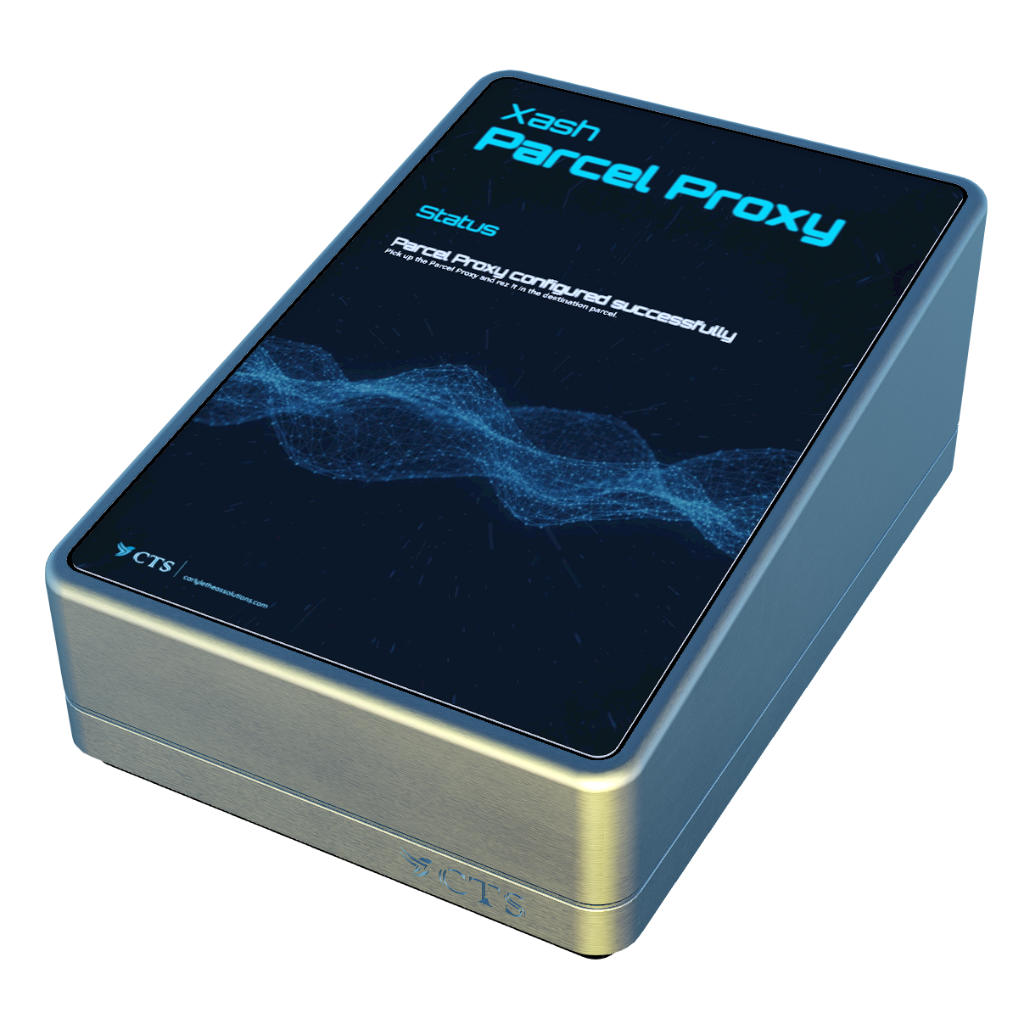
If your club consists of multiple venues distributed across multiple parcels, the Xash Parcel Proxy
allows you to connect secondary parcels to the Xash system.
- Rez the Parcel Proxy object next to the Xash Server to configure it.
- The Parcel Proxy auto-configures itself will tell you when it is ready. Take the Proxy back into your inventory.
- Re-rez it in the parcel you want to connect to Xash.
- If you want to be able to change the stream URL from the secondary parcel and setting the stream requires land permissions or if you want to use Xash's security features, deed the Proxy to the land group.
Xash Tip Jars
Xash tip jars come in three different flavors:
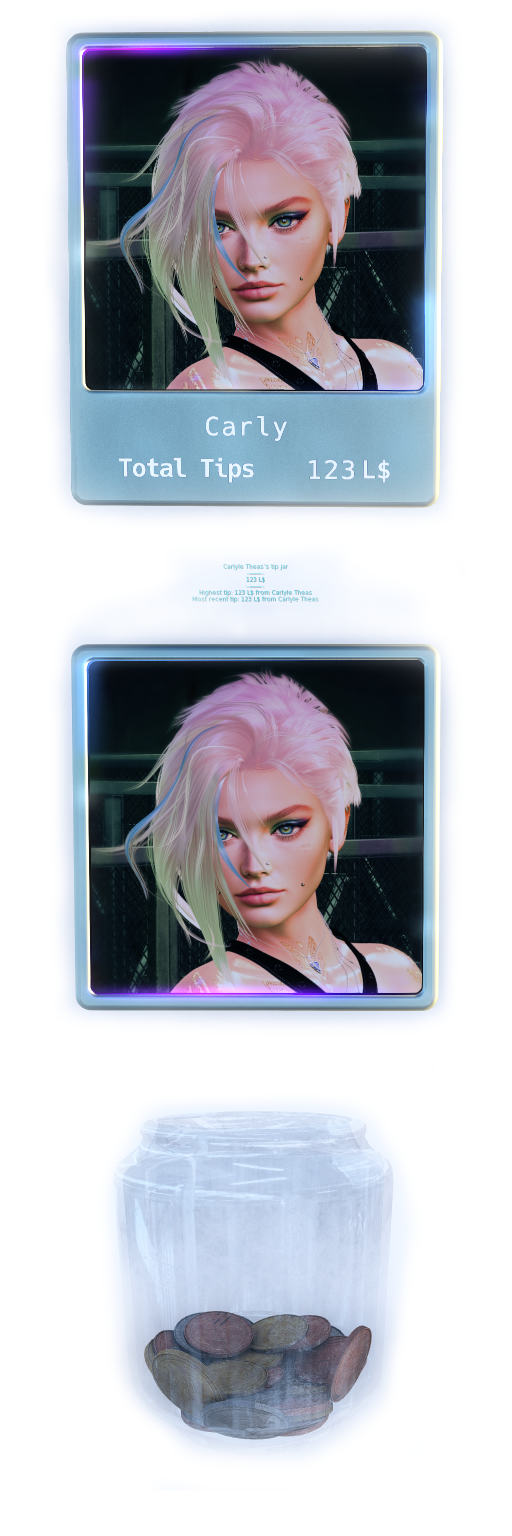
- Xash Tip Jar – A tip jar board that shows the profile picture, name, and the total tip amount directly on the board.
- Xash Simple Tip Jar – A simpler version of the tip jar that only shows the profile picture.
-
Xash Coins Donation Tip Jar – A tip jar in the form of a glass jar that fills up with coins as tips come in.
A big Thank You to MADRAS for the beautiful mesh!
The tip jars have a wide range of settings that you all configure on your Xash web page through tip jar groups. E.g., you can define if a tip jar can be logged into (tip jar for club staff vs. club donation tip jar); what textures and floating texts should be displayed, or you can turn off floating texts altogether to allow for a more immersive experience in your club; configure "thank you" messages; define if you want to animate the tip jar's borders; emit particles when someone left a tip; etc.
The tip jar boards are full-perm so that you can rez as many as you need and customize (retexture) them to fit your club's aesthetic. After rezzing, best modify the permissions, however, so that people cannot take a copy of the tip jar while visiting your club.
The default tip jar shows the name of the logged in person and "Total Tips" as default text on the second line.
You can customize the text on the second line by replacing the texture on the respective mesh face.
Download this Affinity template to customize your text: tip-jar-display.af
As for Xash boards, you can change the font used to render the text. If you want to match the fonts used on the other boards,
get the following fonts:
PT Mono,
CQ Mono,
Hack
If you have existing tip jars that you want to continue using, that is perfectly fine as well. Simply drop the tip jar scripts (XashTipJar, XashTipJarMenu) into your own tip jars to integrate them with Xash.
Xash Event Board
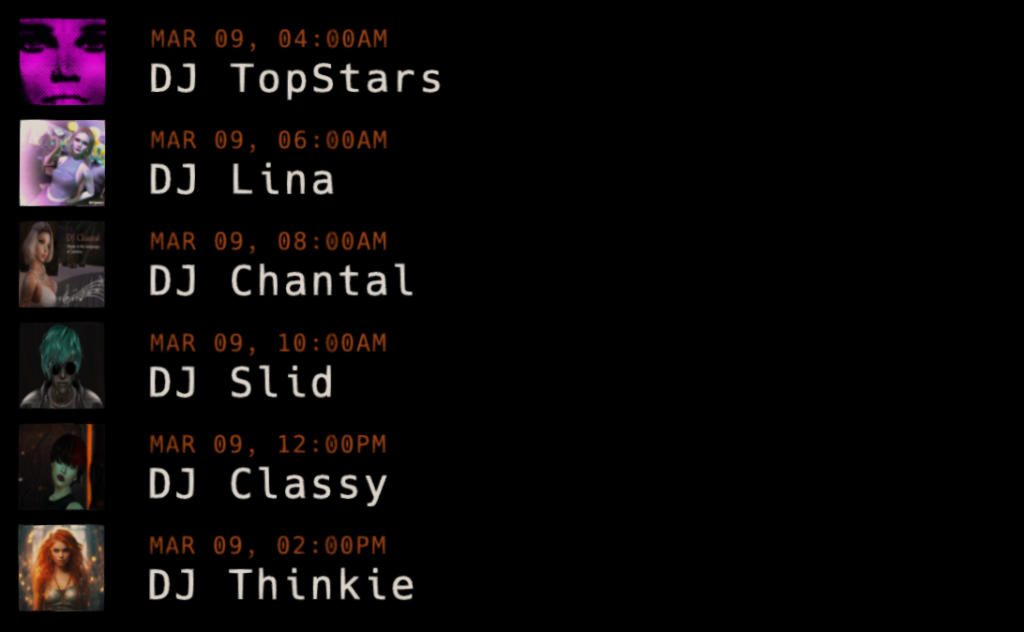
The Xash Event Board displays the events you added to the calendar.
The event list on the board is limited to the 6 next events, including the current one, if there is an event going on.
You can configure the board's appearance (font, colors, textures) on the Xash web page, in the "Appearance" tab. The configuration also controls if only the events of the day are displayed or if shows all events.
Note that the Xash Event Board's design is simplistic on purpose. Think of it as a building component. That way you can customize it to fit your club's aesthetic.
Design a frame for your event board for a more finished look.
Xash Stream Board
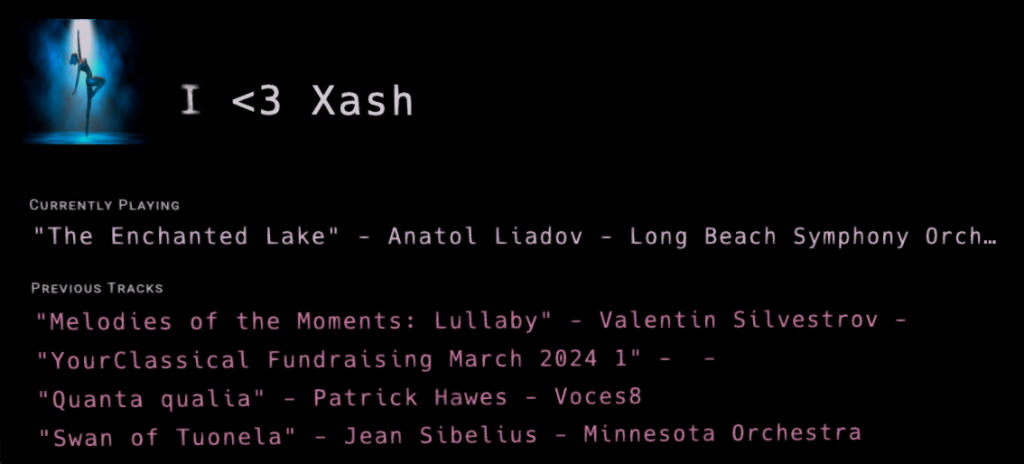
The Xash Stream Board display the name of the current track and the four previous tracks.
If an event is going on, it will display the event name as a title, otherwise a configurable default title.
You can configure the board's appearance (font, colors, textures) on the Xash web page, in the "Appearance" tab. The appearance configuration is shared with the Xash Event Board.
Note that the Xash Stream Board's design is simplistic on purpose. Think of it as a building component. That way you can customize it to fit your club's aesthetic.
Design a frame for your stream board for a more finished look.
Xash Weekly Schedule Board
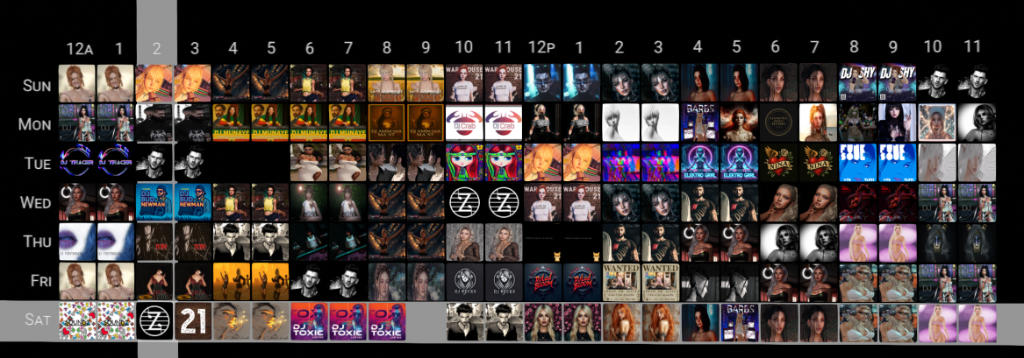
The Xash Weekly Schedule Board shows a weekly overview of your club's events.
It shows the profile picture of the main artist for each slot (hour of the day).
When clicking a slot, the event details are chatted to the one clicking the board.
Note that the Xash Weekly Schedule Board's design is simplistic on purpose. Think of it as a building component. That way you can customize it to fit your club's aesthetic.
Design a frame for your weekly schedule board for a more finished look.
Xash Tippers Boards
There are two different tippers score boards included in Xash:
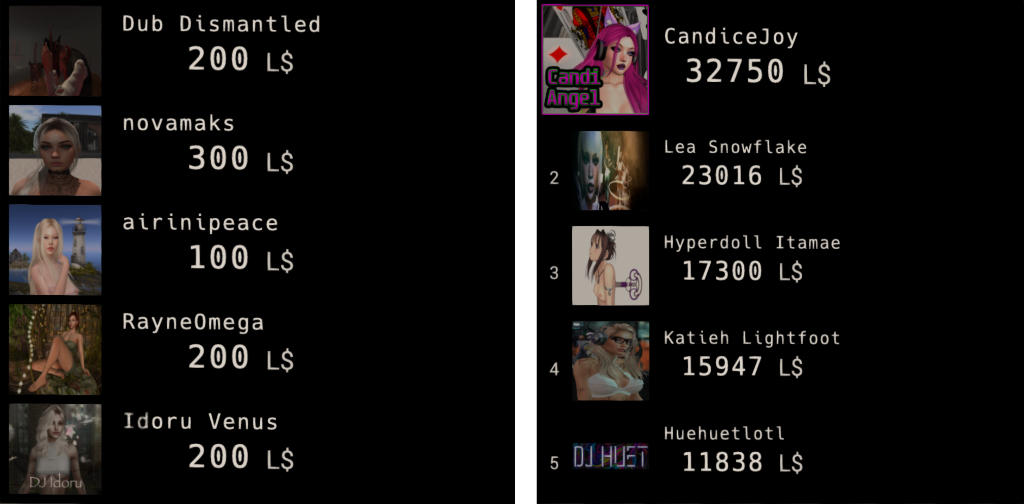
- Xash Recent Tippers Board – Shows the most recent tippers and their tip amounts.
- Xash Tippers Score Board – Shows who tipped the most within a rolling 30 day window, along with the total tip amount.
Design a frame for your tippers boards for a more finished look.
Xash AdBoard
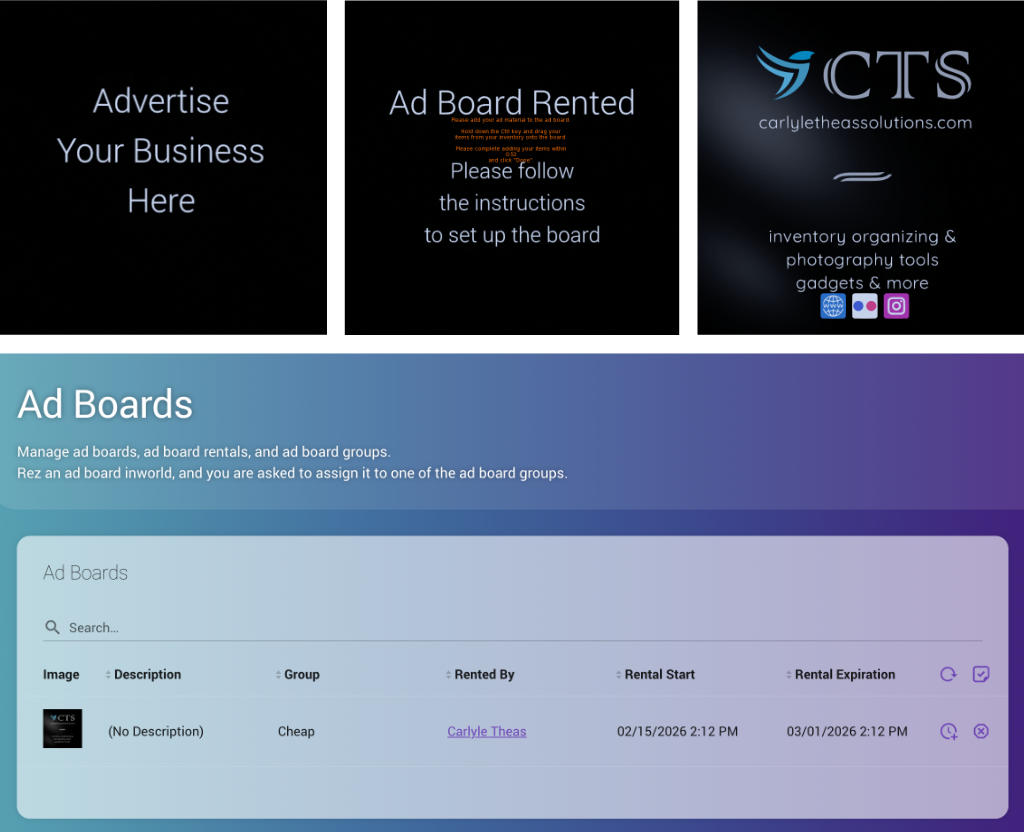
Xash Rotating Ad Display Xash Satellite AdBoardXash comes with an adversing system that includes different flavors of ad boards and ad statistics (both for the advertiser and the club owner) that show ad clicks and earnings.
Xash comes with the following ad-related objects:
-
The easy-to-use Xash AdBoards support ad display, inventory handouts, and link icons.
Before rezzing AdBoards, create ad board groups on the Xash webpage in the tab "Ad Boards".
In the ad board groups, you configure the weekly ad fee, default textures, rental conditions, and expiry messages.
Once the groups are set up, rez the ad boards and select the appropriate group when prompted.
Design a frame for your ad board for a more finished look.
-
The Xash Rotating Ad Display shows the content of all ad boards within a specified distance to the Rotating Ad Display board in sequence. You can use this to give the advertisers more ad space if limited space for individual ad boards is available.
- Rez the Rotating Ad Display board.
- Touch it to open the menu.
- Click "Set Range" and adjust.
- The ad boards within range will light up green.
Design a frame for your ad board for a more finished look.
-
The Xash Satellite AdBoard mirror placed ad content throughout your venue.
To use a satellite ad board, set an identifier in the target ad board description (the ad board to mirror). The identifier can be any arbitrary sequence of letters and numbers/symbols. Then set the same identifier in the description of the satellite ad board.
Design a frame for your ad board for a more finished look.
Xash Rent Meter
Xash comes with a simple renting system if you want to rent out spaces for shops or for living.
Before rezzing a rent meter, create a rental group on the Xash webpage in the tab "Rentals".
In the rent meter group, you configure maximum allowable number of prims, the weekly rental fee, rental conditions, and expiry messages.
Once the group is set up, rez the Xash Rent Meters and select the appropriate group when prompted.
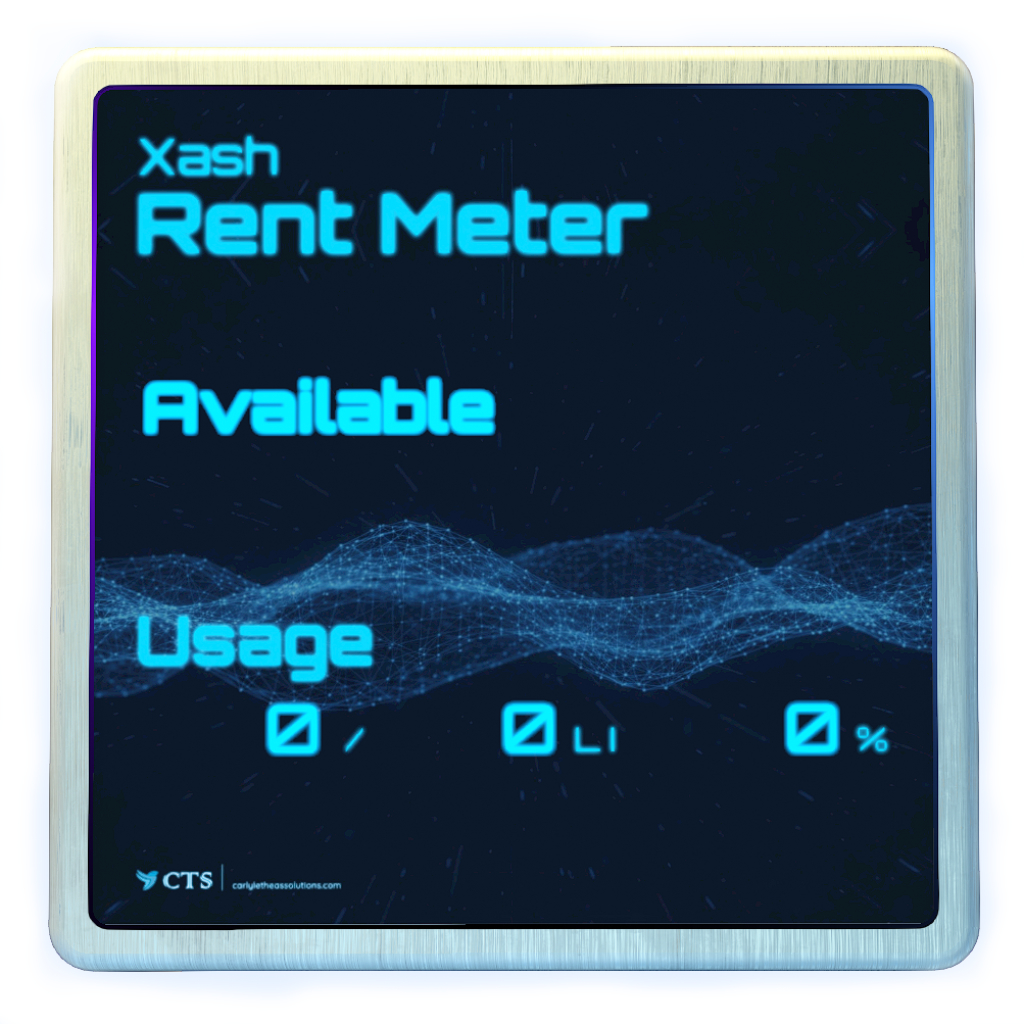
The rent meter will display if the plot is available or rented by someone, along with the current rental end date and the prims used by the tenant.
Note that the rental system is simple and won't enforce prim usage or do any auto-returns on its own if the rent is overdue.
Xash Chat Extender Setup
Xash comes with a chat extender system that allows you to extend the range of the local chat within a defined area.
To set up the chat extender system,
- Rez the Xash Chat Extender Setup object
-
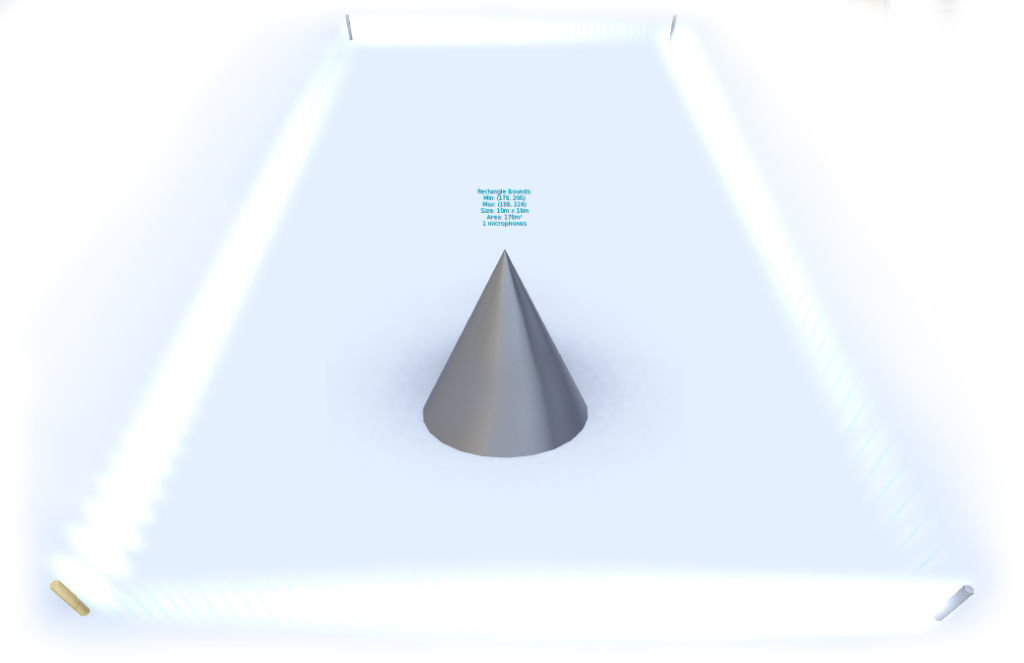
When you rez it, 4 markers will be rezzed along with it that define the area in which local chat is extended.
The boundary is visualized with a particle effect.
Edit and move the markers such that the area to which your chat extended is contained in the outlined rectangle. -
Click on "🎤 Defined Area" to rez the chat extender microphones. Alternatively, click "🎤 Full Parcel" to cover the entire parcel.
In the latter case you don't have to move the markers manually.
This will rez and automatically place microphone objects at optimized locations that pick up the local chat and relay it to your visitors. - Delete the Xash Chat Extender Setup object. The markers will be deleted along with it; the microphones will stay rezzed.
Note that the chat is only extended at the level (altitude) at which you set up the chat extender system. If you have multiple levels you want to cover, repeat the set up process for each of the levels.
If you want to remove the chat extender system, rez the Xash Chat Extender Setup object again and click "❌ Remove Mics". This will delete all microphones.
Xash Stream Marquee
There are two titler objects included in the Xash package that show the currently playing track.
Feel free to hand them out to your DJs.
-
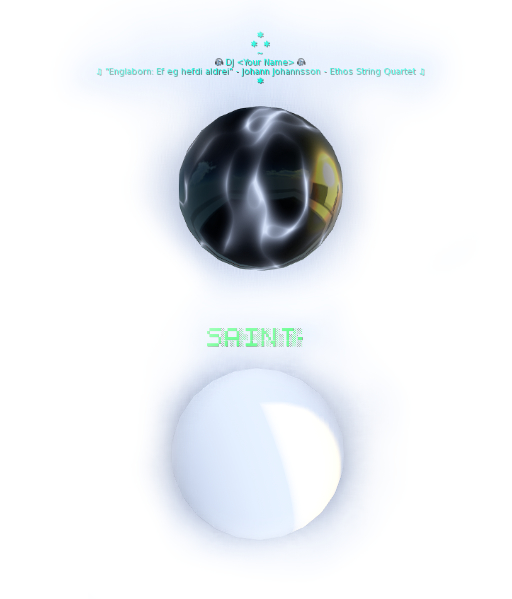
The Xash Stream Titler is a floating text titler that shows the DJ name (configurable via the notecard contained in the titler's inventory) and the track title that is currently playing on the stream.
-
The Xash Stream Marquee shows the track title as a marquee.
It can be worn or rezzed in your club. Feel free to drop the script into any club decor object.